Instabridge: WiFi Hotspot Map
- 4.2
- Rating
- 100.00M
- Installs
- Free
- Price

 Analysis by App-foxy
I judge travel apps by one practical question: do they help me get connected when I need it, without making the situation more complicated? Instabridge: WiFi Hotspot Map is built around that exact problem. It is a free Travel & Local app from Instabridge Sweden AB that helps users look for nearby WiFi hotspots, while also bringing together an eSIM service, caller identification, a dialer, a home-screen launcher, and a VPN. That broad scope makes it more than a simple hotspot map, but it also means the experience is not as focused as a single-purpose connectivity tool.
After using it, I see the strongest reason to keep it installed in the moments when mobile data is expensive, unreliable, or unavailable. It can be useful before a trip, during a long day in an unfamiliar city, or when I need to get online long enough to arrange transport, check a map, or contact someone. The important distinction is that it is a discovery and access companion, not a promise that every hotspot will be fast, private, or available. My recommendation depends on whether you value that wider toolkit more than a narrowly focused WiFi directory.
How I Decide Whether Instabridge Is Worth Keeping
My first test is simple: can I understand what to do when I am offline or nearly offline? A hotspot-finding app has to be useful before I have a connection, not only after I am already online. Instabridge is designed for that situation, with WiFi discovery at its center and an offline-oriented approach that can make planning easier. I would open it before leaving home, prepare the areas I expect to visit, and treat it as a backup layer rather than my only connection plan.
You May Also Like

 Pandora - Music & Podcasts
Pandora’s Music Is Easy to Start, but Harder to Recover
Pandora’s strength is its low-effort path from a seed to a station. Its weak spot is how much confidence it asks you to place in connection, setup, and quiet recovery.

 8 Ball Pool
8 Ball Pool Is Built on Rivalries, Rematches, and Routine
A close look at the rivalries, rematches, shared routines, and unanswered safety questions that turn a quick pool match into a persistent mobile community.

 Samsung Music
Samsung Music’s Quiet Strength Is Playing What You Already Own
Its reach comes less from spectacle than from dependable access to a personal library. That simplicity is both the app’s strongest retention engine and its ceiling.

 AccuWeather: Weather Radar
AccuWeather Review: A Quick, Clear Forecast for Everyday Decisions
For everyday plans, the best forecast is the one you can understand quickly. AccuWeather makes rain timing, radar, and local conditions easy to act on, with a few trade-offs.

 Hill Climb Racing
Why Hill Climb Racing Still Turns Crashes Into One More Run
A tiny car, a bumpy hill and one more upgrade: Hill Climb Racing keeps resurfacing because its simple chaos makes every near-miss feel personal.

 AliExpress - Shopping App
AliExpress Makes Global Shopping Feel Personal, but Shoppers Bear the Risk
AliExpress turns a global marketplace into a pocket-sized discovery engine. Its reach is useful, its shopping loop compelling, and its trade-offs easy to miss.
More From Our News Desk
View All News


The second test is coverage in the places I actually visit. A map can look impressive and still be unhelpful in a quiet suburb, a small town, or a building where the signal does not reach the entrance. I would not assume that a listed hotspot is currently open or usable from the exact spot shown. The practical habit is to check several nearby possibilities and keep another route to connectivity ready, such as mobile data, a travel eSIM, or a trusted public network.
The third test is trust. Connecting to public WiFi always involves a trade-off: convenience against exposure on a network I do not control. Instabridge can help me locate access, but it cannot turn an unknown hotspot into a private home network. I still avoid sensitive account activity on unfamiliar connections when possible, use secure websites, and rely on the VPN option when it fits my needs. The VPN is a useful extra, but I would not treat its presence as permission to ignore normal security habits.
There is also a question of focus. The app includes caller ID, a dialer, a home-screen launcher, and eSIM functionality alongside hotspot discovery. Some people will appreciate having these tools in one place. I am more cautious when an app asks to become part of several daily phone routines. If I only want a map of WiFi locations, the additional phone features may feel like extra surface area rather than a benefit.
Its public adoption suggests that the idea has broad appeal: the app has passed one hundred million installs, with an average rating of 4.2 from around four million ratings and roughly forty-one thousand written reviews. Those figures make me more comfortable trying it, but they do not replace checking whether it suits my own travel habits. A popular app can still be a poor fit for someone who rarely uses public WiFi or wants a minimal, single-purpose utility.
Where It Helps in a Real Travel Day
Imagine arriving in a new city after a flight, with no dependable mobile connection and a reservation address saved in an email. I would use Instabridge to look for a nearby hotspot, connect long enough to retrieve the address, and then arrange my next step. The value is not just the map pin. It is the reduction in friction between landing and becoming functional again.
Another useful situation is a long train or bus journey. I might not need continuous internet, but I may need short bursts of access to check a platform change, send a message, or download a document. In that case, the app works best as a way to identify possible connection points ahead of time. I would not plan an important video call around a public hotspot, but I might use one for quick, low-risk tasks.
The eSIM option changes the decision slightly. If I am travelling somewhere with costly roaming, an eSIM can be a more dependable fallback than searching for WiFi every time I leave a hotel. I would compare the available in-app purchase with my carrier’s roaming offer and any local alternative before buying. The key insight is that WiFi discovery and eSIM access solve different problems: one depends on nearby networks, while the other is intended to provide mobile connectivity. Having both available can make the app more useful, but it does not make either option automatically the cheapest.
Small Habits That Make the App More Useful
I would prepare before the moment of need. When I still have a reliable connection, I would open the app, inspect the places I expect to visit, and note where a backup hotspot might be located. This is more useful than waiting until the phone shows no service, because an offline-oriented tool can only help if the relevant information is already available on the device.
I would also treat hotspot labels and map positions as leads, not guarantees. A network may have changed its password, moved its access point, become crowded, or be restricted to customers. My workflow would be to identify two or three options near an airport, station, accommodation, or meeting place. That small amount of preparation matters more than simply seeing a large number of pins.
A third habit is separating low-risk and high-risk tasks. I am comfortable using an unfamiliar connection for checking opening hours or receiving a routine message. I would avoid entering payment details or managing sensitive accounts unless I have a stronger reason to trust the network and the connection is protected. If I use the VPN, I still check that the website or app itself is secure. A VPN can reduce some network exposure, but it does not make phishing pages, weak passwords, or careless sharing safe.
The caller ID and dialer tools may be useful if I want travel-related calls and ordinary phone actions closer together. However, I would only make them central to my routine if their behavior feels natural on my particular phone. A launcher can also be convenient for someone who wants a different home-screen arrangement, but it is not a reason by itself to install a WiFi app. These additions are best viewed as optional parts of the package, not requirements for using the hotspot map.
Where Instabridge Wins, and Where Another Approach Fits Better
Instabridge wins when I want one travel companion that covers several connectivity problems. Instead of switching between a WiFi map, a separate eSIM provider, a VPN app, a caller identification tool, and a launcher, I can explore those functions from one product. That is especially attractive for travellers who prefer fewer apps and want a familiar place to start when they need internet access quickly.
It also has a strong advantage for people who regularly move between countries or depend on public access. A normal phone settings screen can show available networks, but it does not provide the same planning perspective as a hotspot-focused map. My phone’s built-in WiFi list tells me what it can see right now; Instabridge is more useful when I am thinking ahead about where I might connect next.
The app is free to download, which lowers the cost of trying it. It does include in-app purchases ranging from $0.99 to $94.99 per item, so I would pay attention before activating optional services. The free entry point is valuable for testing the map and deciding whether it fits my routine, while the paid options should be judged separately. I would not assume that installing the app means I need to buy an eSIM, use a VPN subscription, or adopt the launcher.
Where does a different option fit better? If I mainly need dependable mobile data abroad, a dedicated eSIM provider or a local carrier may be a clearer choice. That route can be easier to budget because I am buying a specific data solution rather than combining several tools. It may also be preferable when I cannot afford to depend on the availability or quality of public WiFi.
If I only want to connect to a network already visible in a café, hotel, or airport, the phone’s built-in WiFi settings may be enough. Adding a hotspot map is worthwhile when I need planning, alternatives, or help finding access beyond the place where I am standing. For privacy-conscious users, a dedicated VPN app with a narrowly defined purpose may feel easier to evaluate than a broader travel utility that includes several unrelated features.
For calls, the standard phone app may also be the better fit. Instabridge’s caller ID and dialer can appeal to someone who wants an integrated experience, but changing familiar phone behavior has a cost. I would not switch merely because the feature exists. I would switch only if it genuinely makes calls easier during travel or reduces the number of separate tools I use.
The same applies to the home-screen launcher. A launcher can affect how I reach every other app, so I would test it gradually rather than making an immediate permanent change. If I dislike the layout, notifications, or navigation, the convenience of the hotspot map may not compensate for daily irritation. This is one of the less obvious trade-offs of the all-in-one design: a narrow WiFi app has a smaller impact on the rest of the phone.
What the Switching Cost Really Looks Like
Moving to Instabridge is relatively easy if I only want to try the hotspot discovery function. I can install the free app, explore its map, and decide whether the locations are relevant to my routes. The bigger commitment begins when I use its optional connectivity services, change phone defaults, or rely on it as my main travel plan. At that point, I need to remember which functions I activated and what I would use if I removed the app.
Moving away from it is also straightforward if it has remained a secondary tool. I can return to the phone’s WiFi settings, use a carrier plan, or choose a separate eSIM or VPN service. The cost becomes higher in attention rather than money if I have made the launcher, dialer, or caller ID part of my everyday routine. Before changing those defaults, I would make sure I know how to restore the phone’s original settings and where my important contacts and call controls are located.
Device compatibility is another practical checkpoint. The current version is 22.2026.03.04.1440 and requires Android 6.0 or later. That makes it accessible to a wide range of Android devices, but the experience can still vary with phone manufacturer settings, location services, network behavior, and the way a particular device handles default apps. I would check the app on my actual phone rather than assuming that a feature shown in the interface will behave identically everywhere.
The age rating is Teen, which is worth noticing for families deciding what to place on a younger user’s phone. I would still explain public WiFi safety directly. An age label does not teach someone how to recognize a fake network, avoid sharing sensitive information, or understand when a connection is too weak for an important task.
Who Should Use It and Who Should Skip It
I would recommend trying Instabridge if I travel often, use public WiFi, live in an area with inconsistent mobile coverage, or want a single app that combines hotspot discovery with optional eSIM and VPN tools. It is particularly appealing to someone who thinks in terms of backup plans: find WiFi first, use mobile data when necessary, and keep privacy tools available for unfamiliar networks.
I would be more selective if I already have generous international data, a reliable carrier, and no interest in changing my dialer or home screen. In that situation, the app may add more features than I need. Someone who handles confidential work while travelling should also avoid making public WiFi the foundation of their workflow, even with a VPN available. A secure, known connection is the better choice whenever the task is sensitive or time-critical.
I would also skip it if I expect every map result to be current, open, fast, and free. That expectation is unrealistic for any public hotspot directory. The app is most valuable as a practical guide to possibilities. It is less suitable as a guarantee of service quality. Carrying a second plan, such as an eSIM or carrier data, remains sensible when being offline would cause a serious problem.
My Recommendation After Weighing the Trade-Offs
My overall view is positive, with a clear condition: I would install Instabridge as a backup and discovery tool, not as my only source of internet access. Its free starting point makes experimentation easy, and the combination of hotspot mapping, eSIM access, VPN functionality, caller ID, dialer tools, and launcher options gives it more range than a basic WiFi finder. That range is its main strength and also the reason some users may find it busy.
The best way to use it is deliberately. I would prepare likely locations while online, identify more than one hotspot option, reserve public networks for ordinary tasks, and compare any paid eSIM or VPN choice with alternatives before purchasing. I would leave the caller ID, dialer, and launcher features optional until they prove useful in my own routine. That approach keeps the app’s helpful parts without allowing its wider feature set to dictate how I use my phone.
Instabridge has been available since September 6, 2012, and its large user base shows why the concept remains relevant: people still need practical ways to get online while moving through unfamiliar places. I would recommend it to travellers and backup-minded users who want a broad connectivity toolkit. I would point heavy data users, privacy specialists, and people who prefer minimal apps toward more dedicated alternatives. Use it as a prepared second line of connectivity, and it becomes far more valuable than simply opening it after your signal has already disappeared.
FAQs for Instabridge: WiFi Hotspot Map
01What is Instabridge and how does it work?
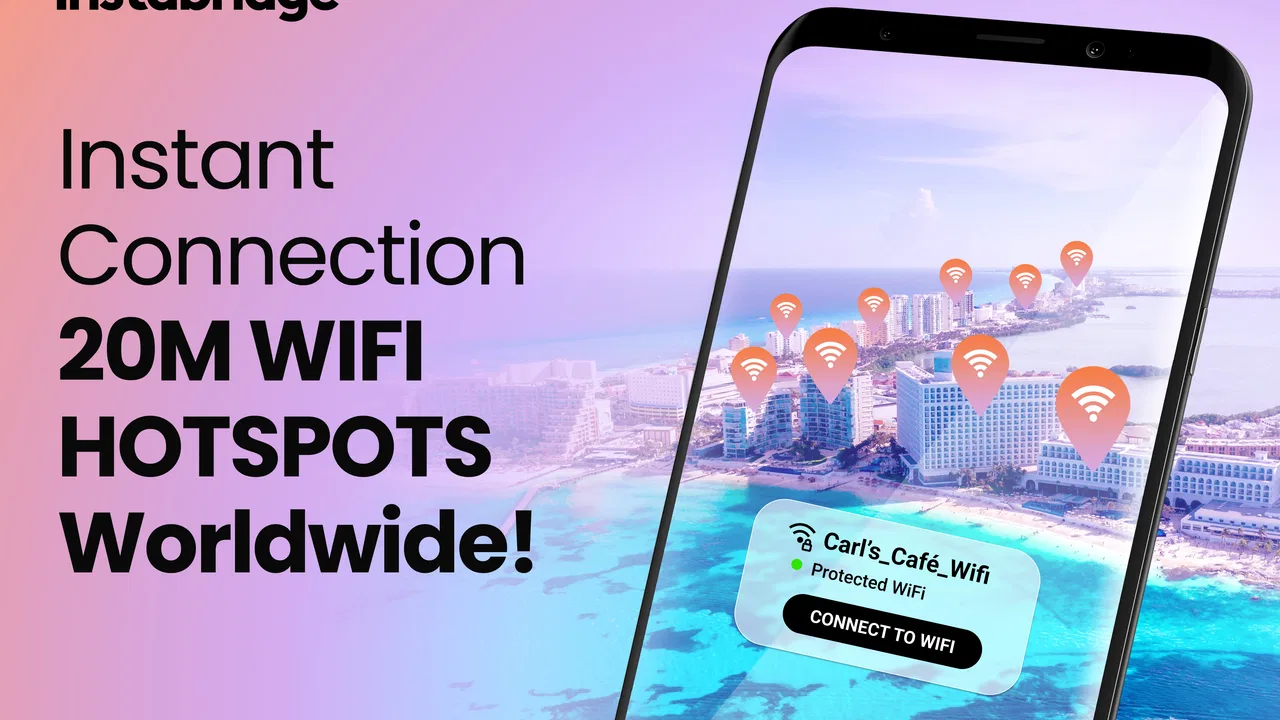
Instabridge is a community-driven app that allows users to share and access WiFi passwords worldwide. The app features a map displaying available WiFi hotspots, enabling users to connect to the internet without needing to ask for passwords directly. Simply open the app, find a nearby hotspot, and connect seamlessly.
02Is Instabridge safe to use for connecting to public WiFi?
Instabridge prioritizes user safety by encrypting shared passwords and connections. However, as with any public WiFi, users should be cautious and use a VPN for added security. Always ensure your device’s security settings are up to date to protect personal data while using public networks.
03Does Instabridge work offline?
Yes, Instabridge offers offline functionality. Users can download a map of available WiFi hotspots in a specific area before losing internet access. This feature is particularly useful for travelers who want to avoid roaming charges while staying connected on the go.
04Is there a cost associated with using Instabridge?
Instabridge is free to download and use, offering basic functionality at no cost. However, it includes optional in-app purchases and a premium version that provides additional features, such as ad-free browsing and advanced hotspot analytics, for a subscription fee.
05How does Instabridge benefit from user contributions?
Instabridge thrives on user contributions by allowing members to share WiFi passwords, which helps expand the app’s database of accessible hotspots. Users who share passwords help create a global network of free WiFi access, making it easier for others to connect to the internet wherever they are.
Pros
- Easy to locate nearby WiFi spots.
- Offline access to saved hotspots.
- User-friendly interface design.
- Community-driven updates enhance accuracy.
- Secure connection options available.
Cons
- Contains in-app advertisements.
- Requires location services enabled.
- Limited features without premium.
- Occasional outdated hotspot info.
- Battery consumption can be high.

Instabridge: WiFi Hotspot Map
Gallery